

Top 8 Photo Editing Apps for Your Phone
Description
Professional RAW editing, AI-powered object removal, and batch photo editing used to require a powerful computer and weeks of practice. Today, you can do all of it on your phone in just a few minutes. The gap between professionals and casual users has practically disappeared.
We personally tested eight popular photo editing apps, evaluating them based on editing depth, platform support, AI features, and ease of use.
1. Adobe Lightroom Mobile: The Best Choice for Professionals and RAW Files
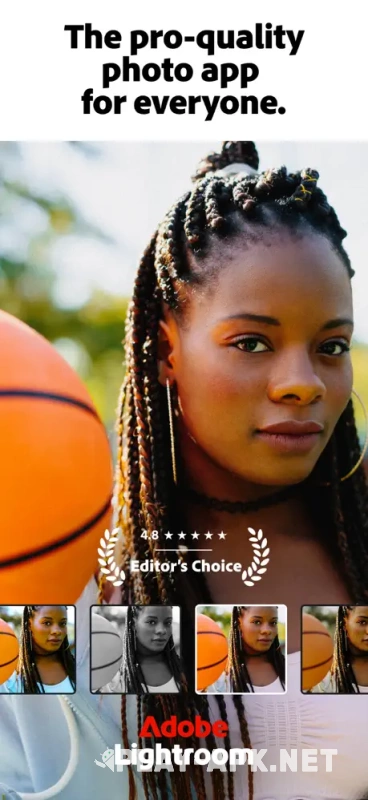
Lightroom Mobile delivers professional-quality results while seamlessly syncing your files across your phone, tablet, and computer. It handles DNG files directly from smartphones with ease. However, editing RAW files from Canon, Nikon, or Sony cameras requires a Premium subscription.
Recent updates introduced several impressive AI-powered features. The app can remove unwanted objects, generate realistic background blur, and automatically eliminate reflections from glass. The Summer 2025 update also added an automatic landscape enhancement tool.
Your edits stay synchronized across all your devices almost instantly. Keep in mind that RAW files can quickly fill up your cloud storage, and the free version isn't sufficient for photographers who edit regularly.
2. Snapseed: The Best Free Editor Without Ads
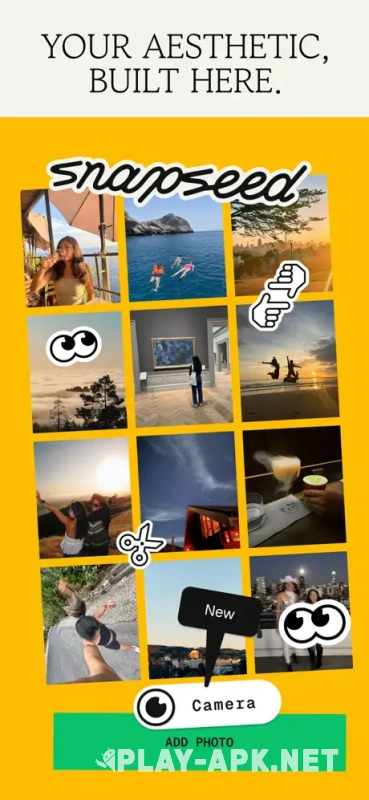
Snapseed remains the only completely free editor of this caliber from a major tech company. Google's developers packed it with 29 powerful editing tools that easily cover the needs of most users and content creators.
The app includes selective brushes, a healing tool, perspective correction, and true RAW editing without sacrificing image quality. You can save your favorite settings as custom presets and apply them consistently across entire photo sessions.
Its biggest drawback is the lack of modern AI features. Snapseed can't automatically remove backgrounds or expand images with generative editing. Although the app hasn't received frequent updates recently, Google has indicated that improvements are on the way.
3. VSCO: The Home of Film Aesthetics and Premium Presets
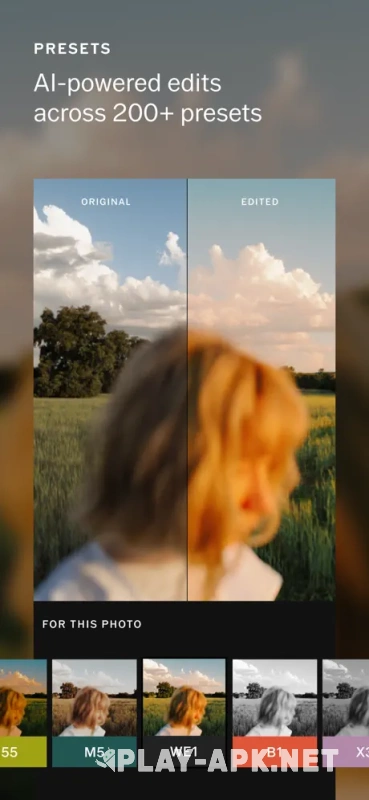
VSCO built its reputation on authentic film simulation. Its filters faithfully recreate the look and feel of classic analog photography, including iconic film stocks like Kodachrome and Kodak Portra.
Recent updates introduced live filters for the iPhone camera, allowing you to preview edits while shooting. New AI-powered tools also speed up editing, while the built-in mood board makes organizing creative ideas much easier.
Be cautious with the free version. Many users criticize VSCO's increasingly aggressive monetization strategy, as even some basic editing tools are now locked behind a subscription. It's worth testing the app thoroughly before upgrading.
4. Picsart: The Best App for Social Media and Templates
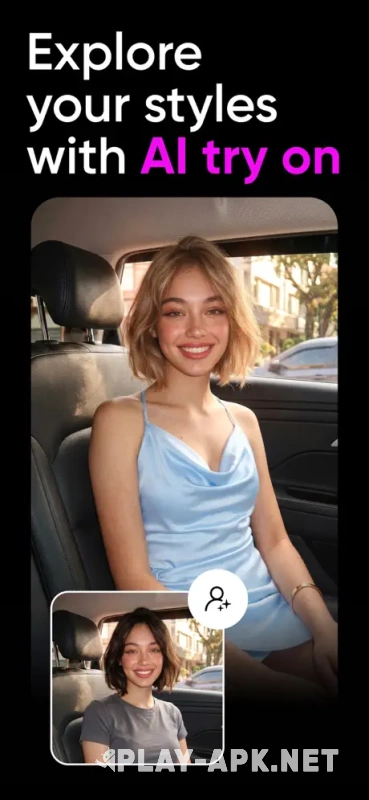
Picsart is designed specifically for marketers, influencers, and social media creators. It includes thousands of professionally designed templates for every major platform, along with powerful AI tools for background removal and caption generation.
One standout feature is AI image expansion. It can effortlessly transform a square photo into a vertical story or a wide video thumbnail by intelligently generating matching background content.
The free plan is mainly suitable for testing the app. It limits users to just three exports per day and provides only a handful of AI generations. Performance can also slow noticeably on older smartphones when working on demanding projects.
5. Photomator: Perfect for the Apple Ecosystem
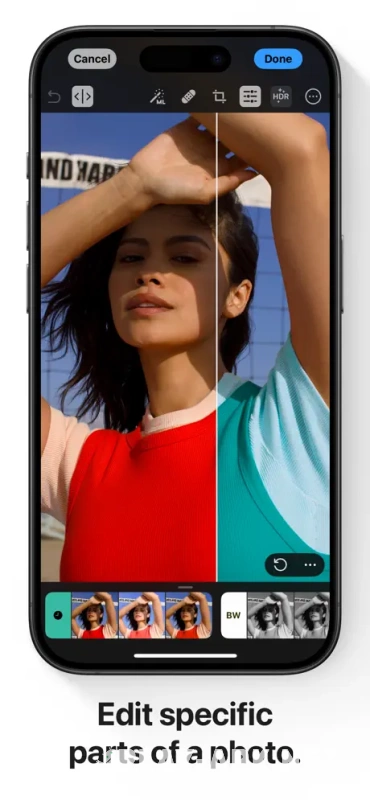
Photomator offers something increasingly rare: a one-time purchase instead of an ongoing subscription. That's a welcome change for creators tired of monthly fees. Built specifically for Apple devices, the app relies heavily on machine learning to streamline photo editing.
It offers flawless support for Apple ProRAW and integrates so deeply into iOS that it feels like a native part of the system.
Photomator is available exclusively within Apple's ecosystem. There are no plans for Android or Windows versions, so projects can't be transferred to non-Apple devices.
6. Darkroom: The King of Batch Editing
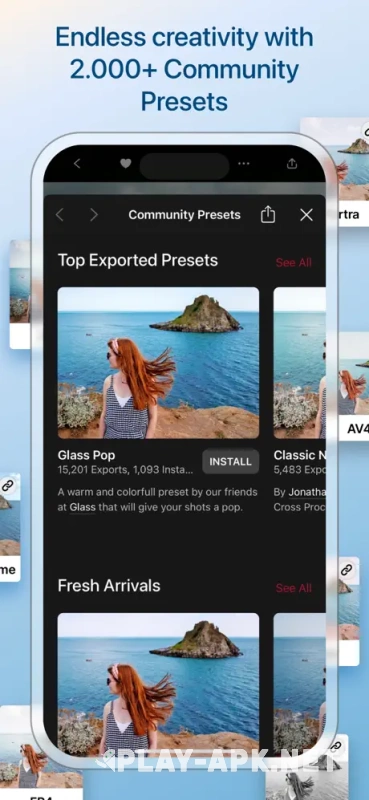
Darkroom works directly with your photo library, eliminating the need to import files before editing. You can immediately crop images, adjust curves, and apply filters while your original files remain untouched.
Its batch editing workflow is one of the best available. Simply copy the settings from one edited photo and apply them to an entire gallery. You can choose exactly which adjustments to transfer. Reviewers at *The Verge* have praised Darkroom for its excellent RAW editing experience.
Like Photomator, Darkroom is exclusive to Apple devices. It also includes video editing tools, although they aren't nearly as advanced as its photo editing capabilities.
7. Adobe Photoshop Express: One-Tap Photo Enhancements
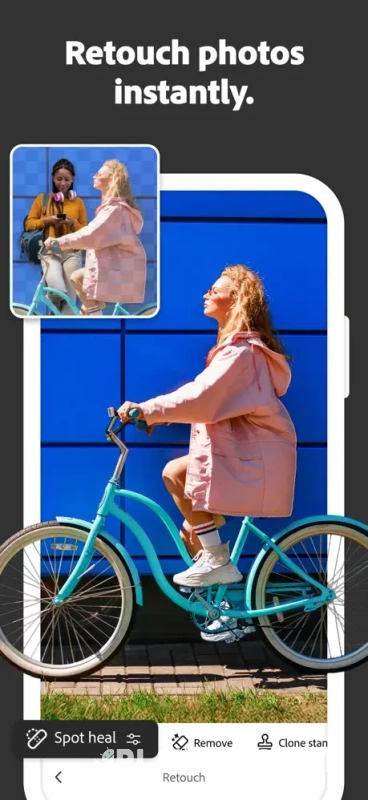
Photoshop Express is perfect for users who want quick improvements without diving into advanced editing tools. Its intelligent algorithms automatically optimize exposure, contrast, and color balance, while the interface remains extremely beginner-friendly.
The free version includes collages, blemish removal, red-eye correction, and a collection of creative filters. Advanced AI features such as background removal and complex object selection require a subscription.
Don't confuse Photoshop Express with the full mobile version of Photoshop. Serious masking, compositing, and professional editing still require Adobe's complete ecosystem.
8. Pixlr: Maximum Simplicity for Beginners
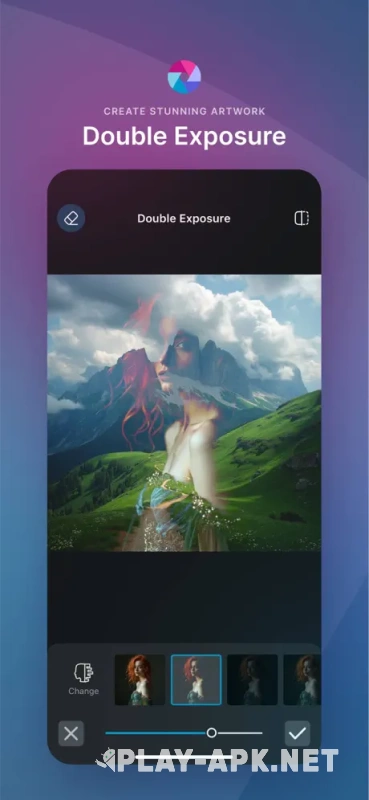
Pixlr's clean interface avoids overwhelming new users with complicated controls and technical graphs. Its apps provide a consistent experience across every supported platform.
The editor includes layered social media templates along with several useful AI-powered design tools that help users create attractive visuals with minimal effort. The free version exports images without watermarks, although the experience is heavily interrupted by advertisements.
Like Picsart, Pixlr limits free users to three exports per day. Its AI tools are also somewhat less capable than those offered by more specialized competitors. The free plan works best for occasional edits rather than regular creative work.