

Best Mobile Video Editing Apps: 2026 Ranking
Description
In 2026, choosing the right video editing app is almost as important as the footage itself. A great mobile editor can turn raw clips into a polished video in just a few minutes. A poor one will bury your project under watermarks, limitations, and constant timeline lag. This guide highlights the best apps for every editing workflow on both iOS and Android.
CapCut: The Ultimate Tool for Social Media
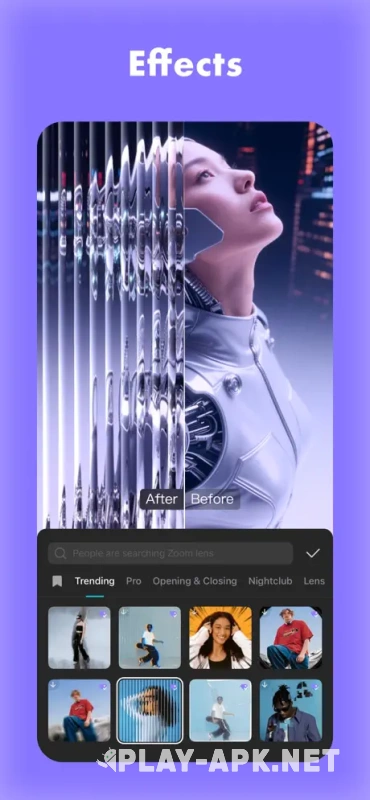
CapCut remains the go-to editor for content creators. It runs smoothly and is perfectly suited for producing fast-paced, trend-driven videos for today's most popular social platforms. Projects sync seamlessly between your phone and computer.
Pros:
-
Viral templates and effects make it easy to create polished videos in minutes.
-
AI-powered tools automatically generate subtitles, remove backgrounds, and enhance video quality.
-
The intuitive interface hides a full multi-track timeline with keyframe editing.
-
Cross-device workflow lets you start editing on your phone and finish on your PC.
Cons:
-
Many of the best effects, AI tools, and watermark-free exports are now locked behind the premium subscription.
-
Complex visual effects can noticeably slow down older smartphones.
VN: The Best Free Editor Without Watermarks
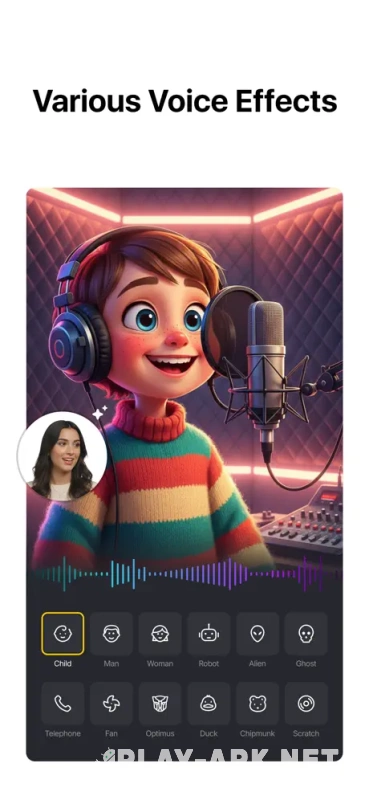
VN is one of the most underrated mobile video editors available today. It's completely free, exports videos without watermarks, and handles long-form projects surprisingly well. The software is available on both mobile devices and desktop platforms.
Pros:
-
No watermarks in the free version, allowing clean exports without constant upgrade prompts.
-
A professional-style timeline supports layers, transitions, keyframes, and 4K exports.
-
Audio waveform visualization makes precise dialogue editing much easier.
-
Includes a generous collection of creative templates without restrictive limitations.
Cons:
-
Lacks the trendy one-tap effects and viral templates found in competing apps.
-
Doesn't include advanced tools such as professional audio mixing or high-end color grading.
InShot: The Perfect Choice for Beginners

InShot is an excellent starting point for creators with little or no editing experience. Its simple interface makes producing short social media videos fast and straightforward. The app is available exclusively on mobile devices.
Pros:
-
Easy-to-use interface lets you trim clips, add music, text, and stickers in just a few taps.
-
The free version includes automatic subtitles, background removal, and picture-in-picture support.
-
Watching short ads unlocks certain premium features temporarily.
-
The paid version removes ads and watermarks while adding AI-powered silence removal.
Cons:
-
The free version adds a watermark and occasionally displays advertisements.
-
The editing tools are designed primarily for short-form content, making long projects difficult to manage.
LumaFusion: Desktop-Class Editing in Your Pocket
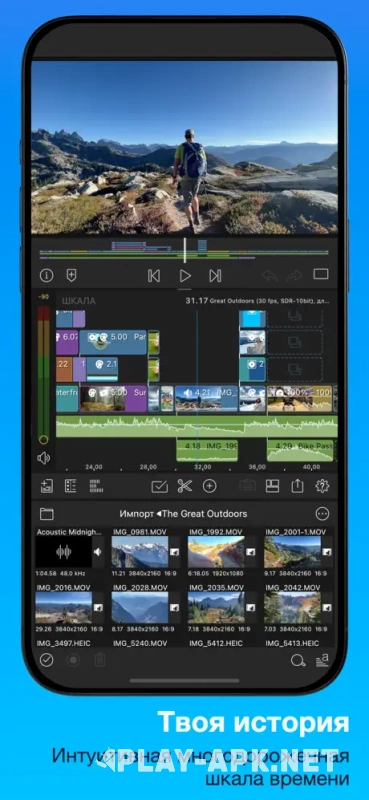
LumaFusion is built for creators who want professional-grade mobile video production. Its feature set comes remarkably close to desktop editing software while remaining optimized for mobile devices. The app is available across all major operating systems.
Pros:
-
Powerful multi-track editing supports videos, photos, titles, effects, and multiple audio tracks simultaneously.
-
Professional audio mixing and advanced color correction tools go far beyond basic sliders.
-
Built-in video stabilization rescues shaky footage, while keyframes provide precise animation and zoom control.
-
A one-time purchase replaces recurring subscription fees.
Cons:
-
The learning curve is significantly steeper than beginner-friendly editors.
-
Demands a powerful smartphone or tablet for smooth performance.
-
Prioritizes manual creative control over quick one-tap effects and automated editing.